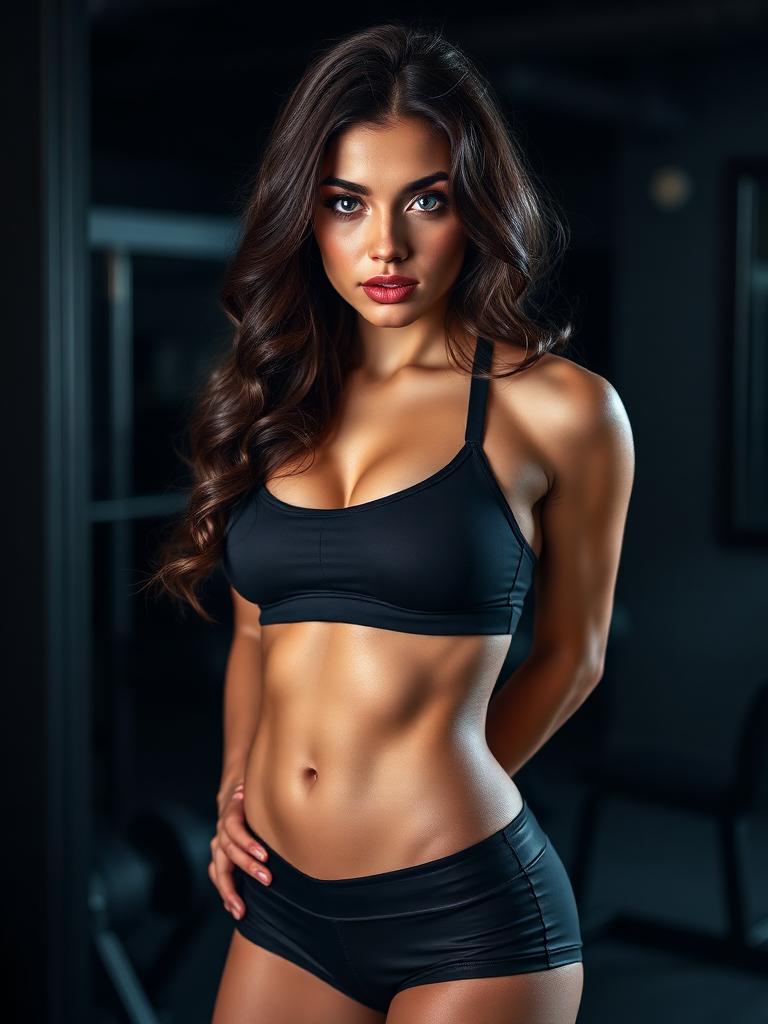
Reaction Loop
Animate the saved frame with held eye contact while protecting identity and crop.
This site is intended for adults only. Automated crawlers can read the underlying page content without interactive age confirmation, but the 18+ policy and Terms of Service still apply.
Generate a short crushon video from a saved frame. CrushOn AI keeps one roleplay beat, one camera cue, and a saved character face focused so the first clip can be judged before expansion.
The crushon video workflow should prove motion with less drift, not rewrite the whole character. Keep the CrushOn proof readable.
Use the CrushOn AI image that already shows roleplay continuity proof and the intended scene.
Ask for held eye contact or small smile, not a full script, in the first crushon video.
Compare the CrushOn AI clip against the still and keep only the version that preserves continuity.
Each crushon video lane starts from a saved image and tests one readable result. Review each CrushOn clip before expansion.
Animate the saved frame with held eye contact while protecting identity and crop.
Turn chat-scene receipt into a short CrushOn Love scene using one measured camera cue.
Create a private crushon teaser that checks mood and timing before longer generation.
Use the clip to verify roleplay continuity proof across motion, not just still images.
A short crushon video succeeds when the saved still, motion cue, and private proof standard agree.
CrushOn Love is easier to judge when the first generation tests held eye contact only.
Model strength
Media example pending. This block highlights the model behavior the page is describing.
Model strength
Media example pending. This block highlights the model behavior the page is describing.
The crushon image should carry face, wardrobe, and scene continuity into video.
Treat the first CrushOn Love clip as a test asset, not the final scene.
Model strength
Media example pending. This block highlights the model behavior the page is describing.
Model strength
Media example pending. This block highlights the model behavior the page is describing.
If the final use is mobile, frame the crushon video as a close vertical proof from the start.
Use these crushon video prompt patterns after the image proof is ready and the next job is motion validation.
Prompt fit
Best first CrushOn Love motion check.
Prompt-only Example
roleplay proof clips
Reaction Loop
Prompt formula
Saved still + one motion cue + identity lock + duration
Detailed prompt Breakdown and Overview
Animate the saved CrushOn Love frame into a short crushon video: held eye contact, preserve face and outfit, close crop, private proof loop
Core Functional Components That Enable This Prompt To Deliver Standout, High-quality Outputs
The prompt tests one visible movement while protecting roleplay continuity proof.
Desired Final Generated Project Outcome
A short clip that can be compared directly against the still.
Expert Insider Tips for Creative Industry Professionals
Prompt fit
Use when the crushon still already has a strong pose.
Prompt-only Example
Camera proof
Roleplay Glance Clip
Prompt formula
Reference frame + camera cue + mood lock
Detailed prompt Breakdown and Overview
Create a CrushOn Love clip from the reference frame, small smile, intimate, direct, and continuity-first, keep scene details stable, no identity drift
Core Functional Components That Enable This Prompt To Deliver Standout, High-quality Outputs
The video has movement without forcing a new scene.
Desired Final Generated Project Outcome
A camera test that keeps the character recognizable.
Expert Insider Tips for Creative Industry Professionals
Prompt fit
Good before extending a longer crushon scene.
Prompt-only Example
Scene teaser
Message-To-Motion Proof
Prompt formula
Scene proof + gesture + private review target
Detailed prompt Breakdown and Overview
Turn the CrushOn Love proof into a roleplay response loop, phone-camera push, preserve chat-scene receipt, short private clip for review
Core Functional Components That Enable This Prompt To Deliver Standout, High-quality Outputs
The prompt creates a reviewable teaser before credit-heavy expansion.
Desired Final Generated Project Outcome
A private motion proof with stable scene intent.
Expert Insider Tips for Creative Industry Professionals
Real creator walkthroughs and discussions around prompt-led private video workflows.
Curated Showcase of AI Video Generation Works
The crushon video generator should animate a proven still instead of rescuing an unclear image prompt.
Choose this when the saved frame already explains one roleplay beat, one camera cue, and a saved character face.
Fix the CrushOn Love still if identity, outfit, or scene changes too much.
Jump straight into the mode or model that already matches your job.
Use the main CrushOn AI video studio for prompt-led girlfriend clips.
Start from one girlfriend image and animate it into a short private clip.
Use reference images when styling, outfit, and visual direction matter.
Review finished videos, download the best result, or retry the prompt.
Unlock more private clips and skip extra free queue wait when available.
These answers keep the crushon keyword, workflow, and boundaries clear for CrushOn.
Need help with billing, limits, or a roleplay proof lane? Send the exact lane you tested and the output issue.
Choose one saved crushon still, add one motion cue, and review the private clip before extending.
Focused early-indexing route set
Early exposure on crushon.love stays intentionally narrow: core brand discovery, image and video entry points, pricing, gallery, support, and legal pages.
These are the only pages we actively want crawlers to discover from in-body link hubs during the first launch wave.